You have dashboards for everything. CPU and memory, query latency, connection-pool saturation, replication lag, disk headroom, all of it on a wall somewhere and most of it wired up to alerts. Then an auditor or an incident asks the one question your wall can't answer: when did this database last back up successfully, and if you had to, could you restore it to 11:14 last night? And you're SSH'd into a host grepping a log, or digging through a separate backup console, or honestly not completely sure.
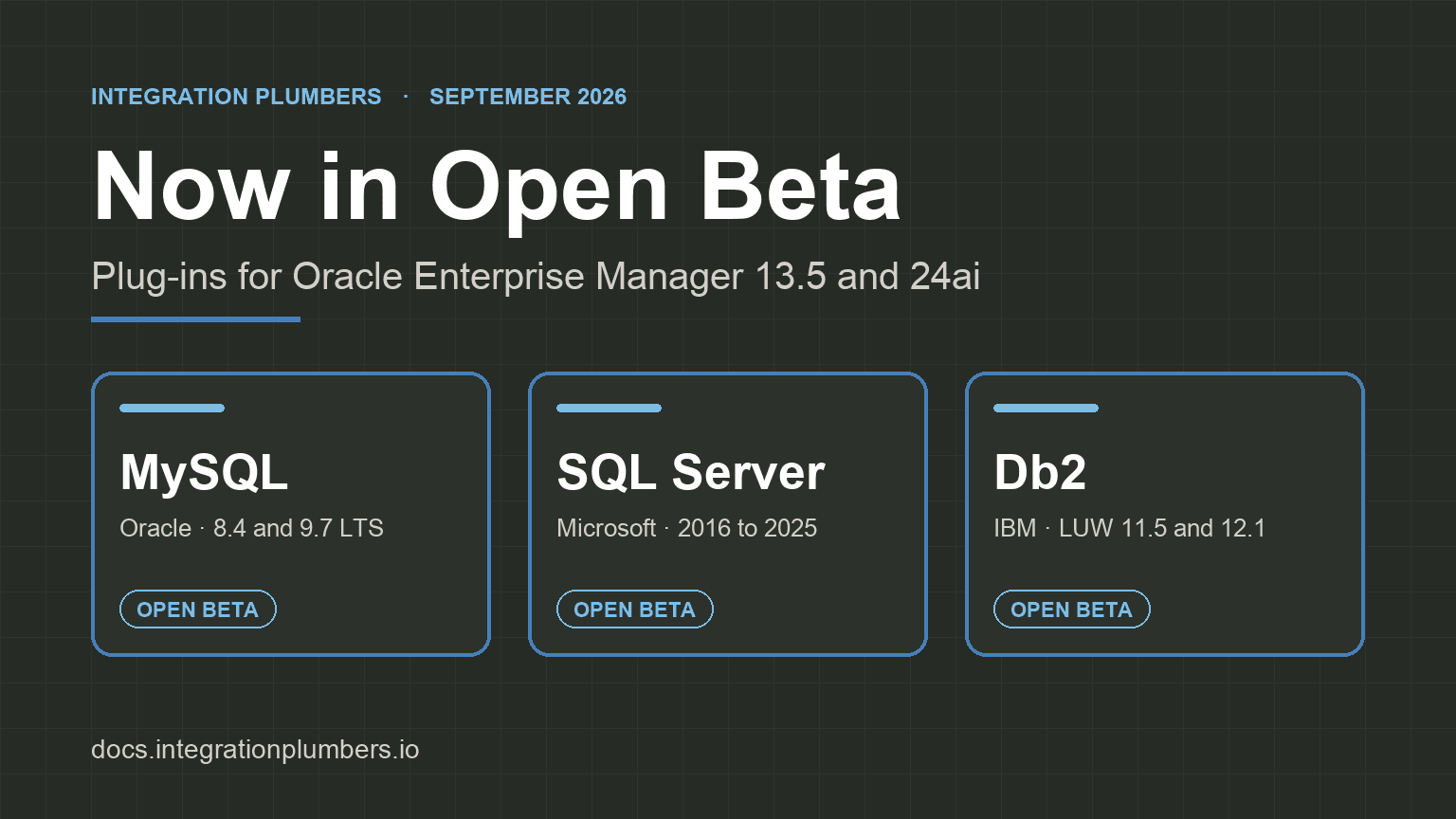
Here's the gap, up front. Your monitoring is built to watch the things that fail loudly. Backups fail quietly, and "did last night's backup succeed, and what's my recovery point" usually isn't a metric anyone has an alarm on, even though the record to answer it has been sitting in plain SQL on every one of these databases for years. The Integration Plumbers Plug-ins for Oracle Enterprise Manager, entering Early Access on July 31, 2026, read that backup record and turn it into the alerts you'd set yourself if you had the time: no successful backup in N days, a failed backup, incomplete coverage across a cluster, and how far back you can actually recover, all in the console you already run your estate from.
This post has three parts: the blind spot, the backup record that's already in plain SQL across MySQL, SQL Server, and DB2, and why the Oracle Enterprise Manager console is where it belongs.
The blind spot
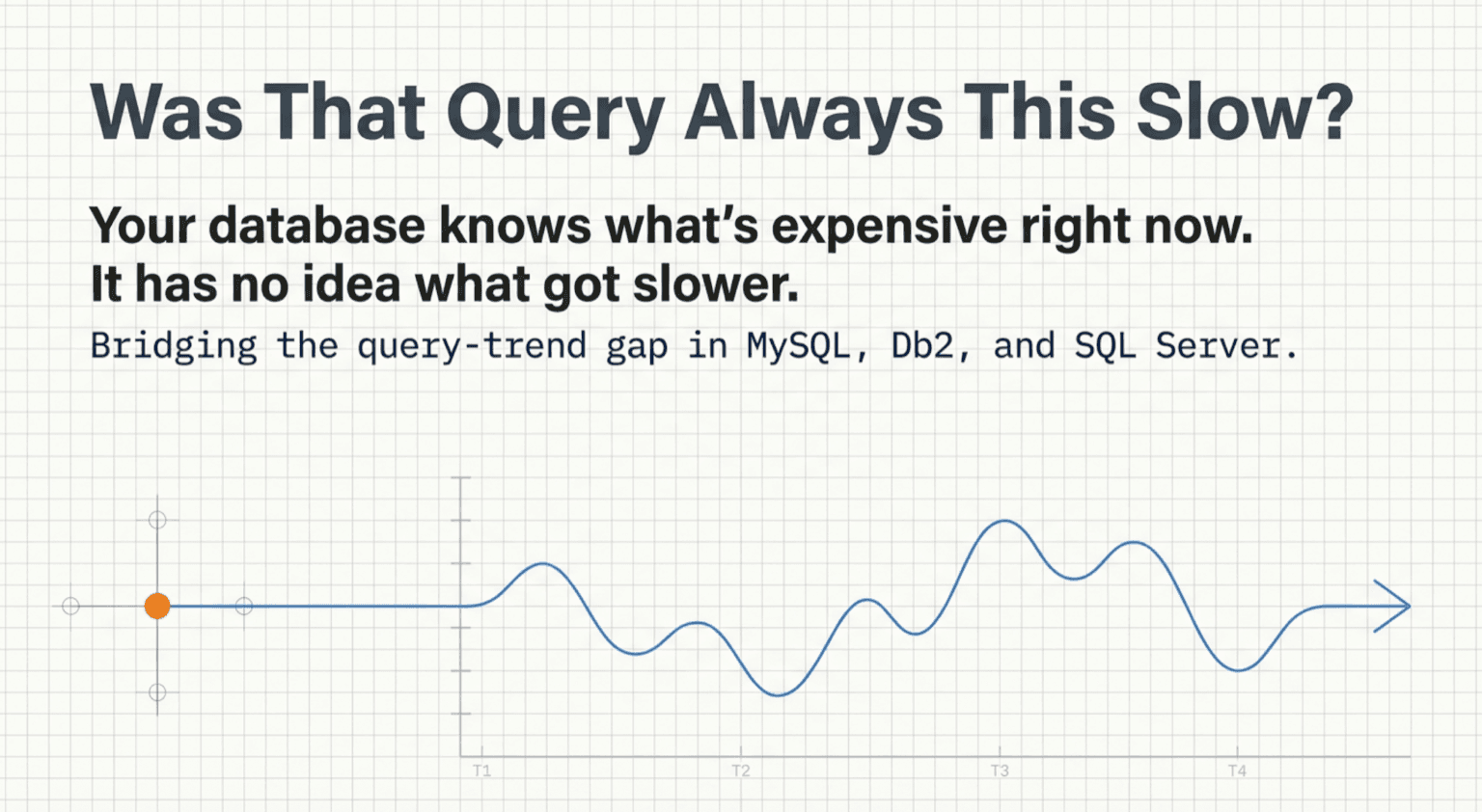
Monitoring platforms are built around live performance telemetry: latency, throughput, saturation, errors. That's the stuff that spikes, and spiking is what gets your attention. A backup job that silently stopped running three weeks ago does the opposite of spike. It produces no signal at all. CPU is fine, connections are fine, replication is fine, every panel is green, right up until the night you go to restore and find the most recent good copy is from three Tuesdays ago.
That's why this gap is so durable. Your observability stack, the platform watching the whole estate, is built to answer "is this database healthy right now?" Backup health is a different question: "if this database stopped being healthy, could I get it back, and to what point in time?" One is about the present, the other is about your worst day, and the cross-database tools are tuned for the present.
To be fair, you can make most of them watch backups. Datadog's database monitoring will collect any metric you can write a SQL query for, so a determined DBA can wire up a backup check by hand. And a dedicated, single-engine tool will do it for you: Redgate Monitor and SQL Sentry ship backup-overdue alerts for SQL Server out of the box. But notice what that costs you. One is a custom query you have to author and maintain on every instance; the other is a second tool, watching one engine, separate from the console where you actually run the fleet. The estate-wide view (the one with MySQL, SQL Server, and DB2 side by side) still doesn't ship a backup alarm in the box. So in practice, nobody's watching.
The backup record is already in plain SQL
Here's the part that should be a little annoying: the data isn't missing. Each of these databases already keeps a queryable record of every backup it has taken. You don't need a resident agent or a shell script on the host. You need to read a table.

MySQL. MySQL Enterprise Backup writes the mysql.backup_history table, and Percona XtraBackup records to PERCONA_SCHEMA.xtrabackup_history when you run it with --history. Between them you get backup type, start and end, the exit state, the end LSN, and the binary-log position that is your point-in-time-recovery coordinate. MySQL Enterprise Monitor even shipped a backup dashboard built on exactly this, until MEM reached end of life in January 2025 and took the dashboard with it.
DB2. On Db2 (LUW), the SYSIBMADM.DB_HISTORY administrative view exposes the recovery history (backups, restores, and loads) with an operation code, start and end timestamps, and an entry status, all as a plain SELECT. The history is right there; almost nothing reads it as monitoring.
SQL Server. msdb.dbo.backupset records every backup's type, backup_start_date, backup_finish_date, database_name, and the LSN columns, joinable to backupmediafamily for the device detail, readable with a single T-SQL query against msdb. Note what that does not require: no xp_cmdshell, no shelling out, just a read against a system database.
The point across all three is the same. The evidence of whether you're recoverable is one query away, and your estate monitoring isn't running the query.
Why the Oracle Enterprise Manager console is where it belongs
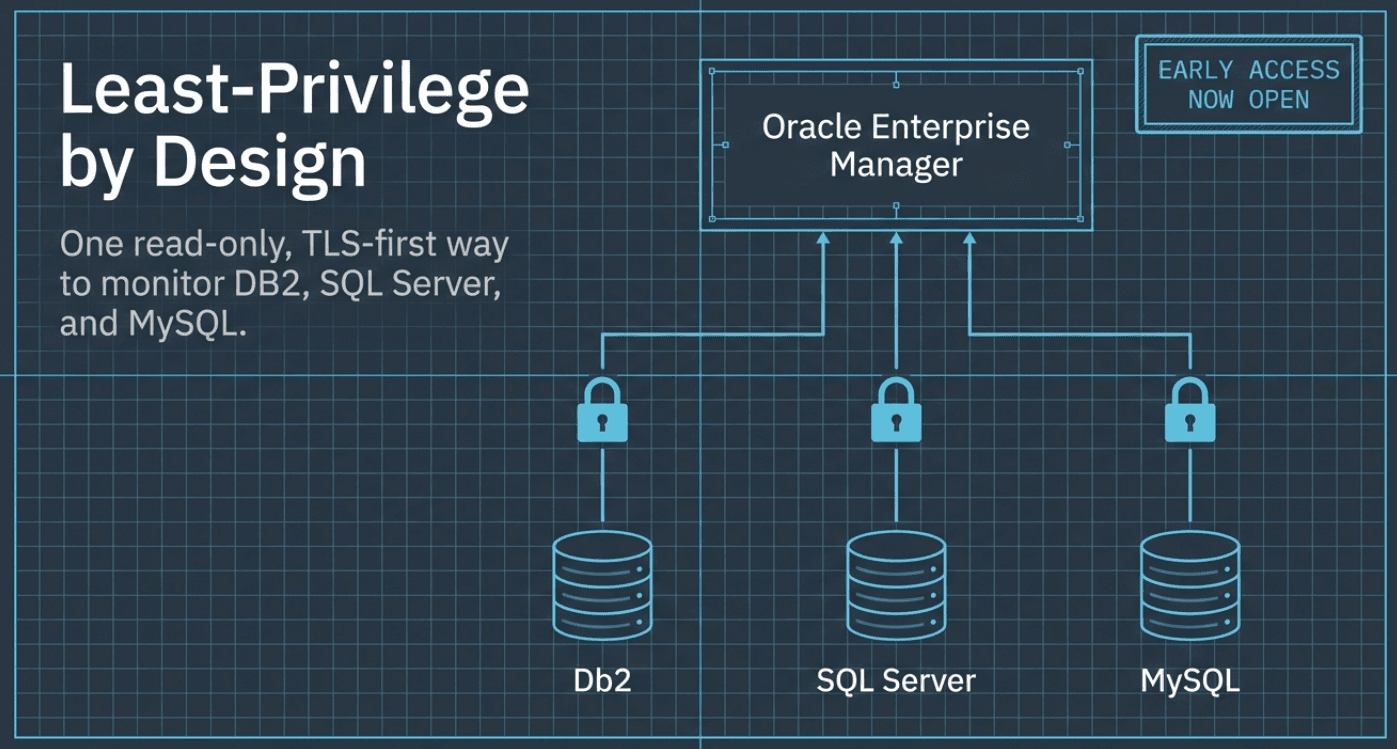
The plug-ins read those backup records over the same agentless JDBC connection they use for everything else, and turn them into the alerts you would set if you had a spare afternoon for every instance:
- Backup age per database, with a default threshold, so "no successful backup in N days" raises an alert instead of surprising someone.
- Failed-backup and coverage alerts, across every member of a cluster rather than the one node you happened to check.
- Recovery-point readiness, the binlog or LSN coordinate that says how far forward you could replay, so "could we restore to 11:14?" has an answer on a screen.

All of it sits next to the CPU, replication, and query metrics you already watch, in the same console and the same incident flow. Backup health stops being a separate thing you remember to check and becomes part of the estate view.
For MySQL and DB2 this is genuinely new: their stock Oracle plug-ins had no backup awareness at all, beyond a single age metric on the DB2 side. For SQL Server, it's backup history you already had, finally surfaced and alarmed alongside everything else instead of left in msdb for you to query by hand.
Backups are the one thing in your estate you can't un-lose. They deserve the same standing alarm as a saturated connection pool or a stalled replica, and the record to raise that alarm has been a single query away the whole time. Reading it, trending it, and paging on it is the job, and it belongs in the console where the rest of your estate already lives.
For whoever's on call, that's the difference that matters: you learn the backup didn't run in a Tuesday-morning alert, not at 2 a.m. while you're trying to restore.
Recoverability is one blind spot. Whether you could fail over right now without losing data is another, and we mapped it in The DR-Readiness Gap: why a cluster that reads "synchronized" still isn't safe, and where that readiness signal belongs. It's the same pattern as this post: the numbers are already in the database; nothing stands them up as an alert.
Get Early Access
Backup monitoring is one of the capabilities arriving with our Enterprise Manager plug-ins, and Early Access opens July 31, 2026. Want it watching your backups first? Learn more and sign up:
- MySQL Plug-in for Oracle Enterprise Manager
- Microsoft SQL Server Plug-in for Oracle Enterprise Manager
- DB2 Plug-in for Oracle Enterprise Manager
Which databases does this backup monitoring cover?+
MySQL, Microsoft SQL Server, and IBM Db2 (LUW), through their respective Integration Plumbers Plug-ins for Oracle Enterprise Manager. The point is the estate-wide view: all three engines reporting backup health side by side in the same console, rather than one tool per engine.
Do I need to install an agent or a script on the database host?+
No. The plug-ins read the backup record over the same agentless JDBC connection they use for every other metric. Nothing lands on the database host, and nobody needs shell access. The plug-in reads backup history the same way it reads any other table.
Which MySQL backup tools does the plug-in understand?+
Both of the common hot-backup tools. MySQL Enterprise Backup writes the mysql.backup_history table, and Percona XtraBackup records to PERCONA_SCHEMA.xtrabackup_history when run with --history. Between them the plug-in reads backup type, start and end times, exit state, the end LSN, and the binary-log position you'd use for point-in-time recovery.
Does reading SQL Server backup history require xp_cmdshell?+
No. Backup history lives in msdb.dbo.backupset (joinable to backupmediafamily for device detail), and the plug-in reads it with a single T-SQL query against the msdb system database. There's no xp_cmdshell and no shelling out to the operating system.
What does 'recovery-point readiness' actually tell me?+
It's the coordinate that answers "how far forward could I replay?" That's the binary-log position on MySQL, or the LSN on SQL Server and Db2. Surfacing it turns "could we restore to 11:14 last night?" from an SSH investigation into a value on a screen.
When can I get backup monitoring, and how?+
It arrives with the MySQL, SQL Server, and DB2 plug-ins in Early Access on July 31, 2026. Sign up from any of the product pages (MySQL, SQL Server, or DB2) to have it watching your backups first.